


Video tutorial of Creative Generalist channel: https://www.youtube.com/watch?v=JztSbwWZzsw
Not as convenient as the Gimp patch but still a detailed step-by-step tutorial for Photoshop Style Settings, Hotkeys and User Interface for Krita beginners.
Other useful links:
Introduction to Krita coming from Photoshop
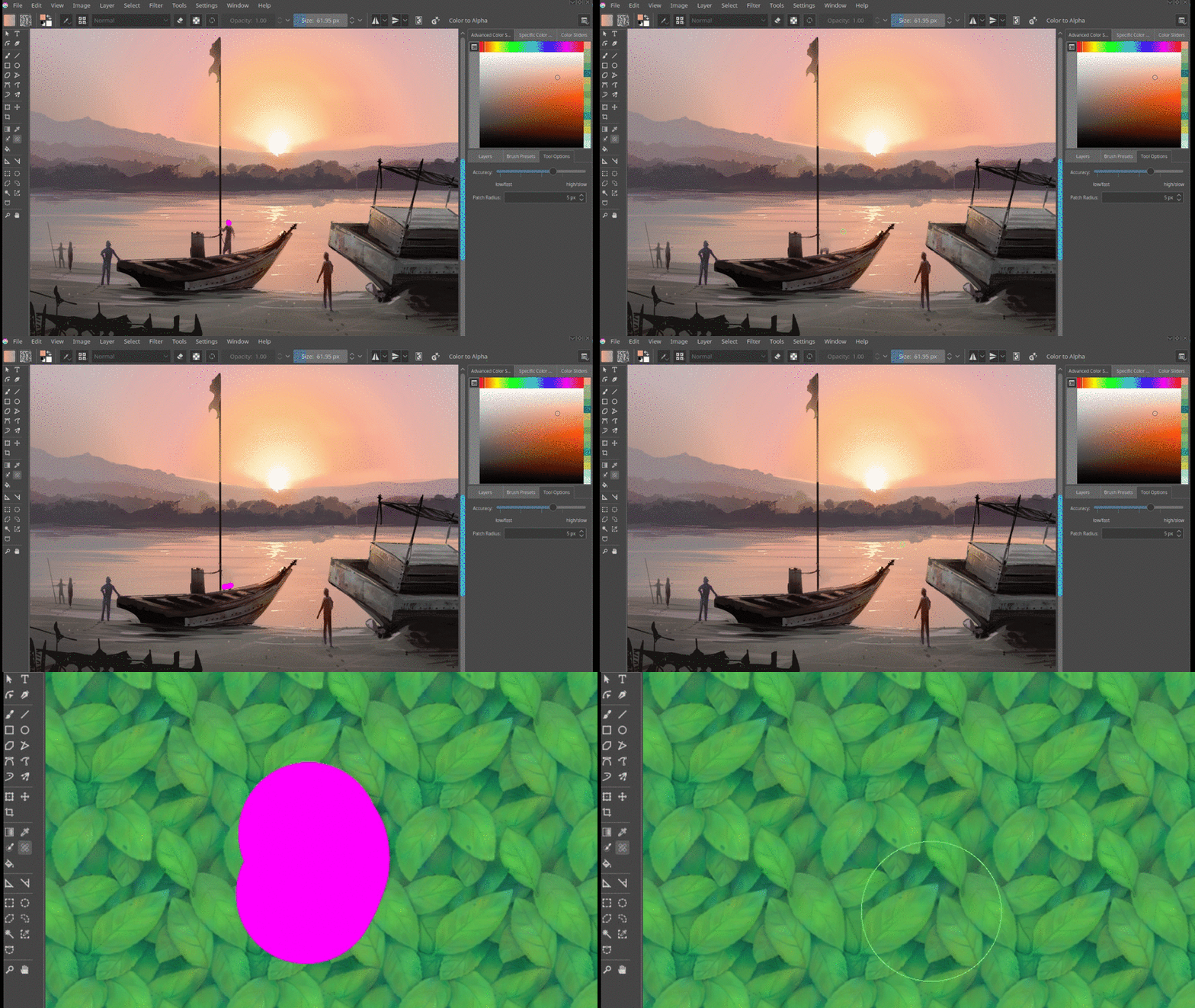
How to Use Lasso and Other Selection Tools in Krita

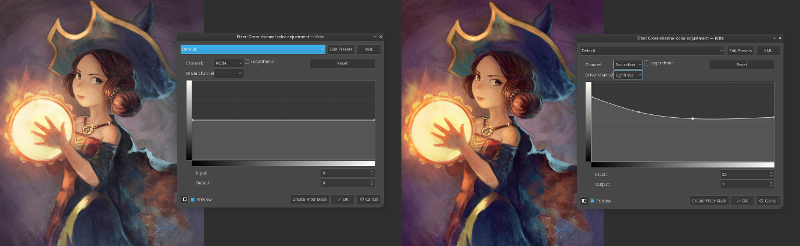
I’m missing the ability to adding shadows, and to change each color individually in HSL, as in the Secondary color tool in PS. Gimp 3 manages that stuff better. Not 100%, but it works fine enough for my needs. I have more trouble with Krita on these features. So for me, Krita is not the answer to edit my traditional painting scans.
https://lemmy.world/post/40187083
I’ve installed that, doesn’t really make a difference. I’m not interested in skin deep changes, but in how the program works mostly internally.