


Video tutorial of Creative Generalist channel: https://www.youtube.com/watch?v=JztSbwWZzsw
Not as convenient as the Gimp patch but still a detailed step-by-step tutorial for Photoshop Style Settings, Hotkeys and User Interface for Krita beginners.
Other useful links:
Introduction to Krita coming from Photoshop
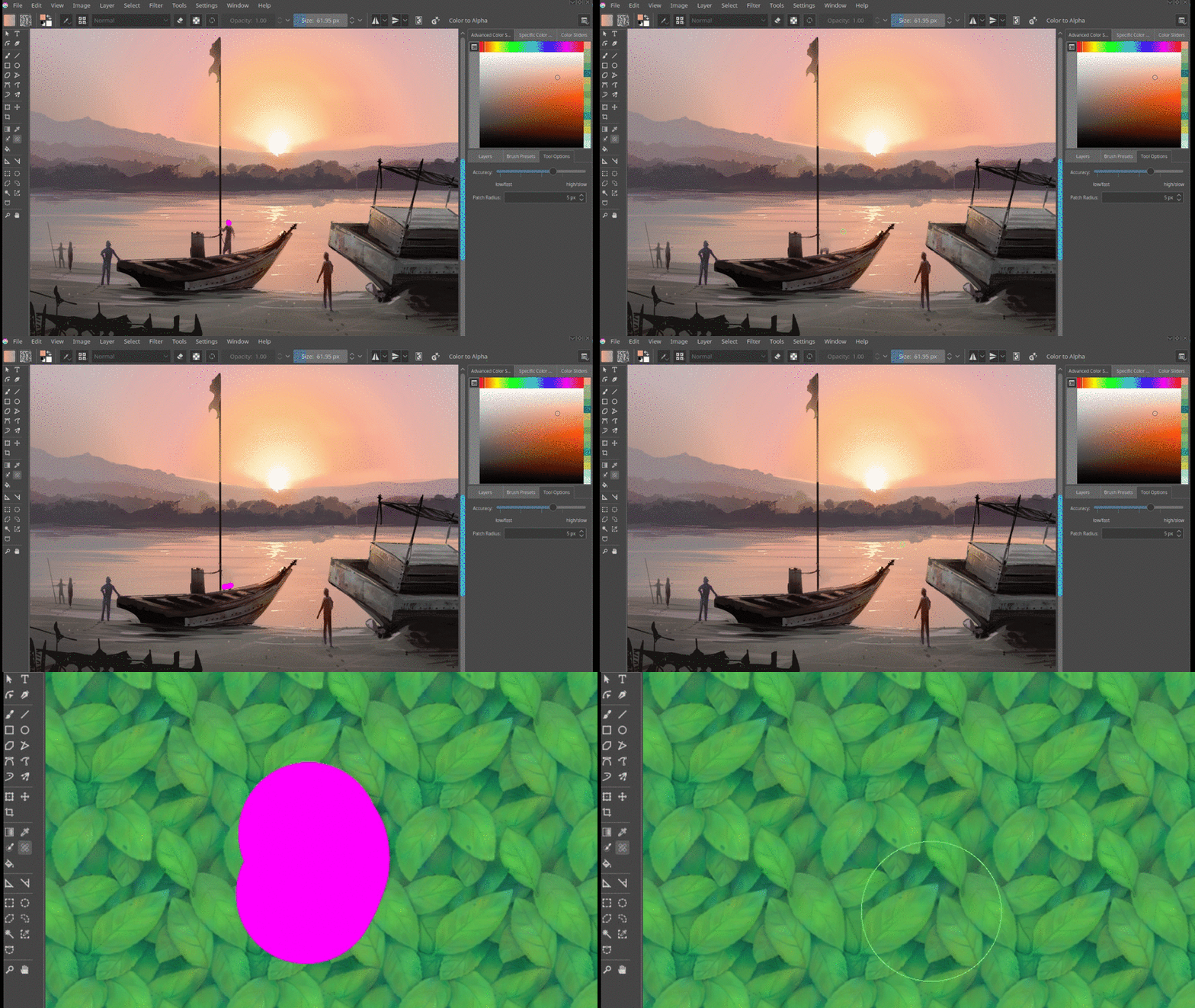
How to Use Lasso and Other Selection Tools in Krita

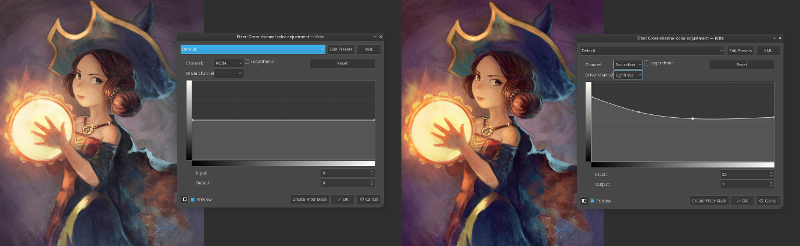
I think you’re better off just learning the Krita hotkeys and such. Otherwise, what are you going to do if you have to use it on a friend’s computer or library something? You’ll be totally lost.
It’s not hard to relearn keyboard shortcuts. I’m speaking as a user of Photoshop for 20 years who switched to GIMP (as an example) a year ago and had to learn all the differences. If you use crutches right at the start you’ll, never learn to walk.
I draw in Krita and I am always using a tablet. The tablet has keys on it which can be bound to any key or key combination. I don’t feel the need to use the menu ever.
The tool bar can be and shall be customised to my own habit, therefore plugins to make it exactly like Photoshop also makes no sense to me.